APP PSF

Project Story
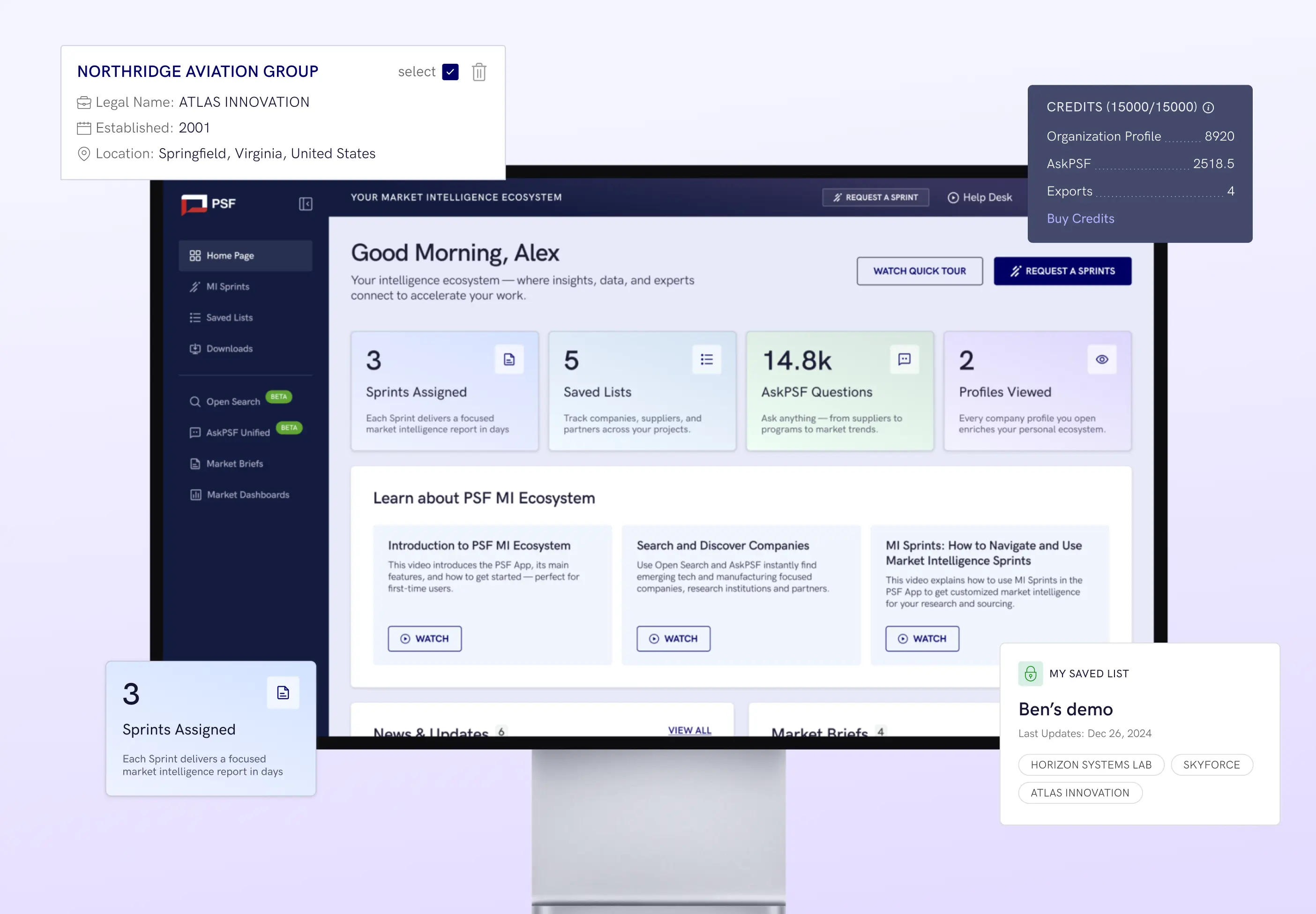
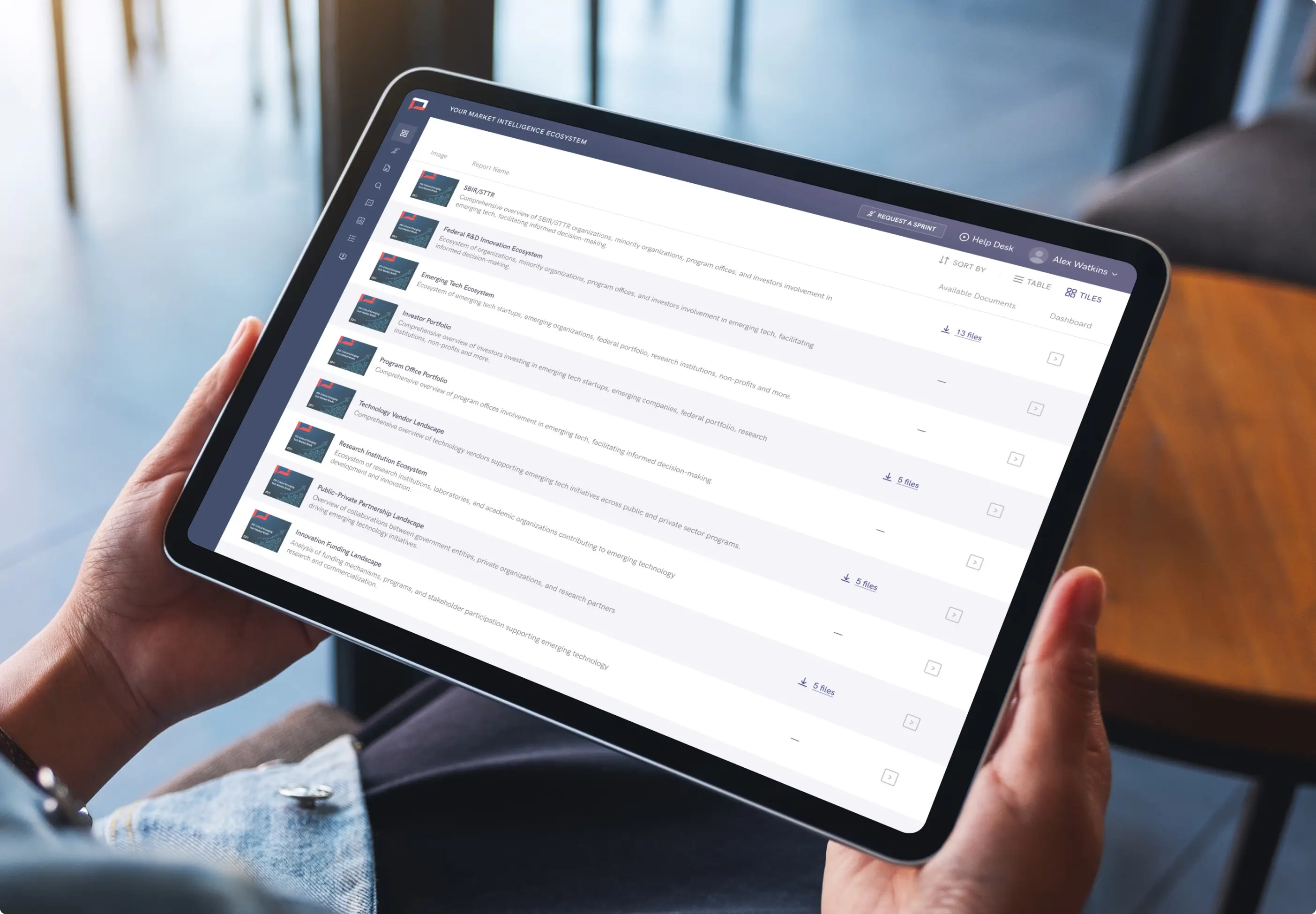
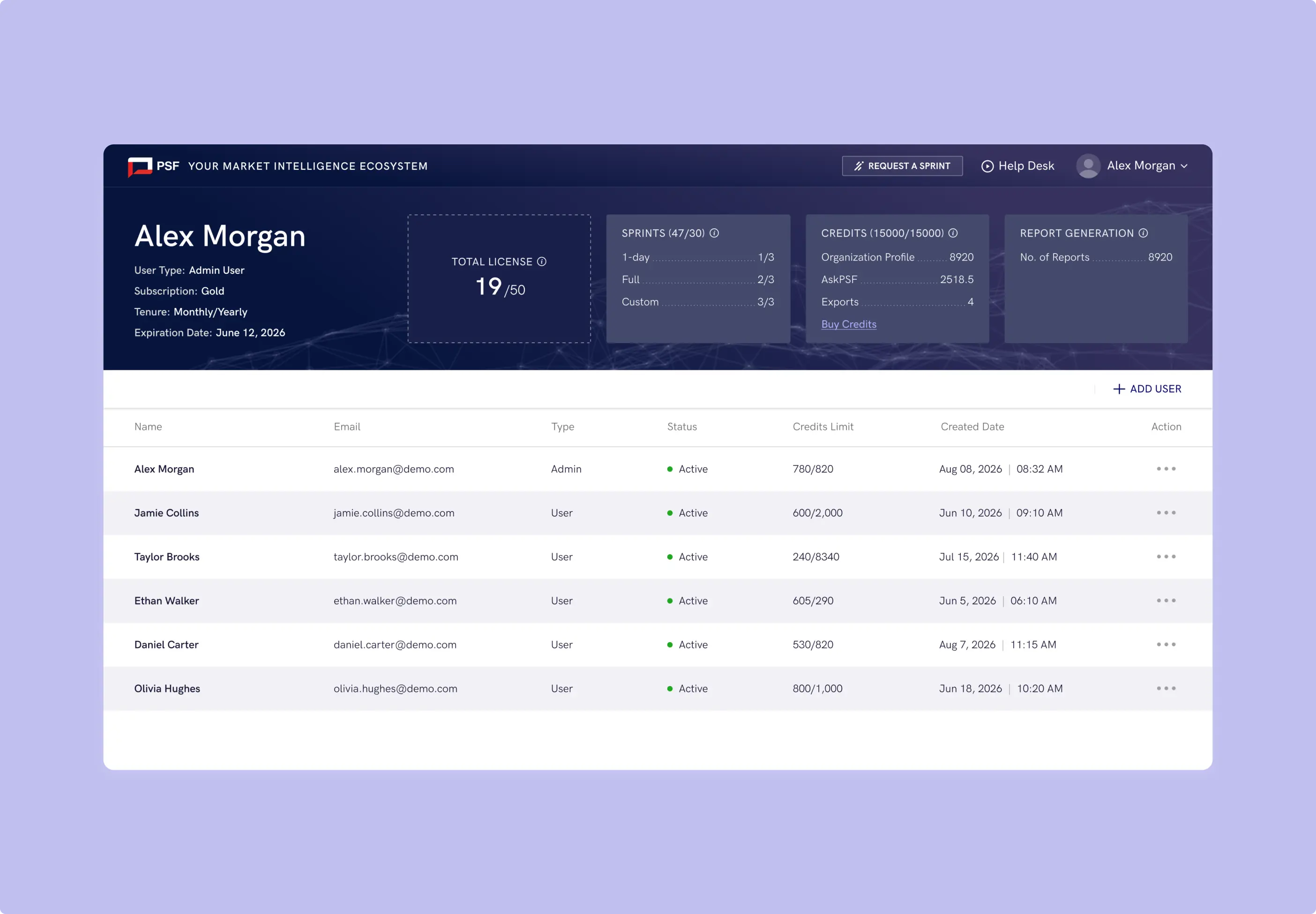
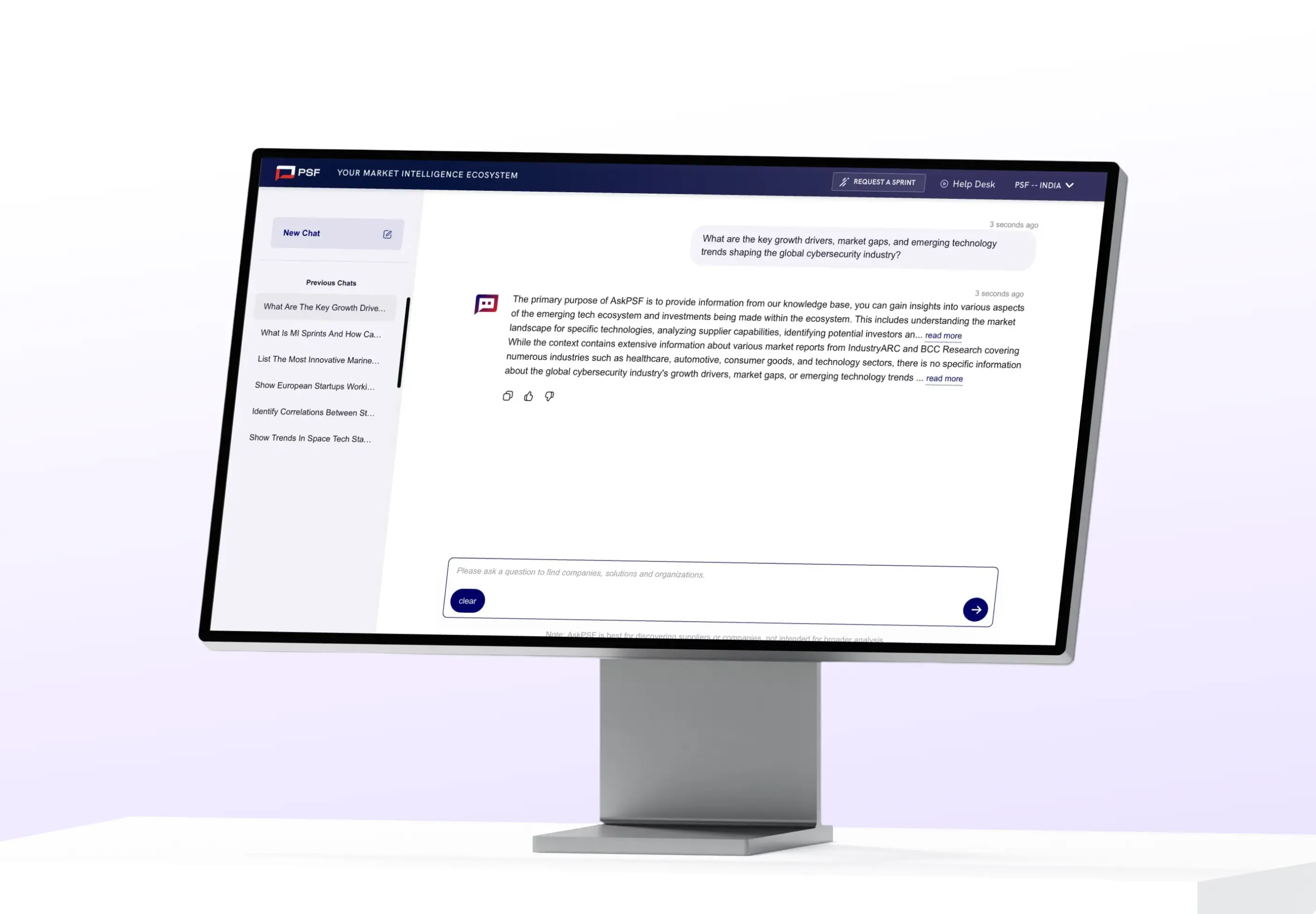
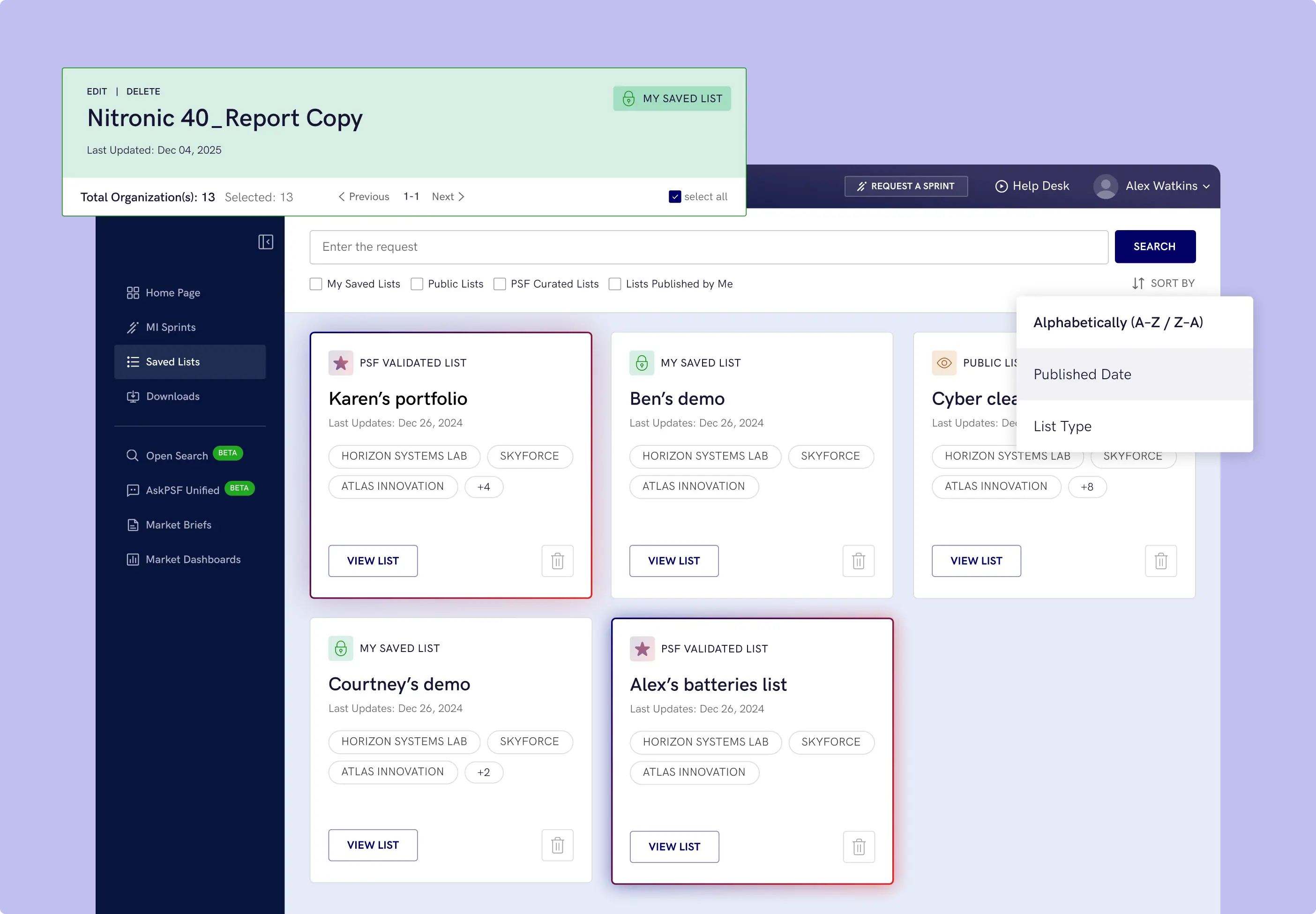
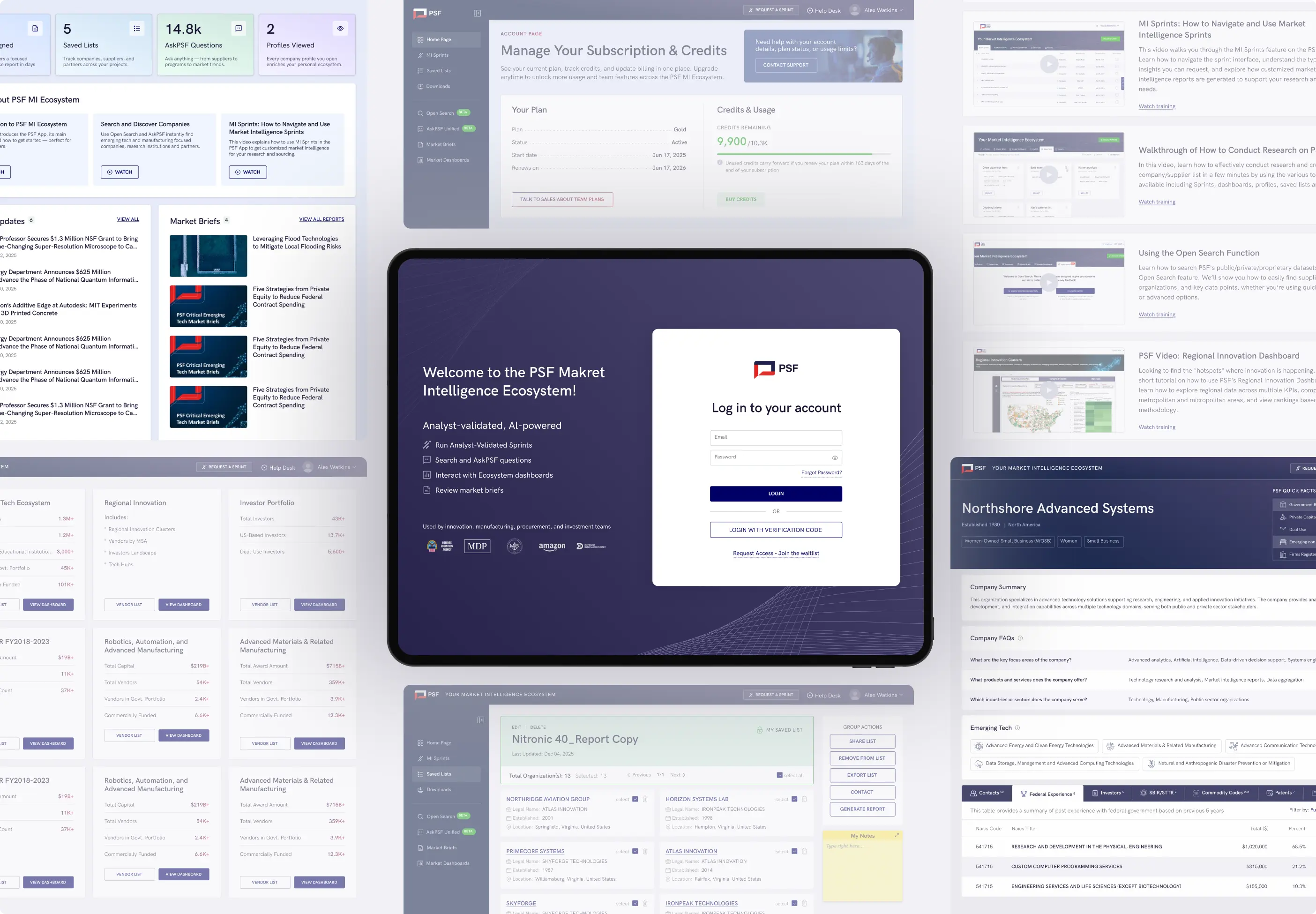
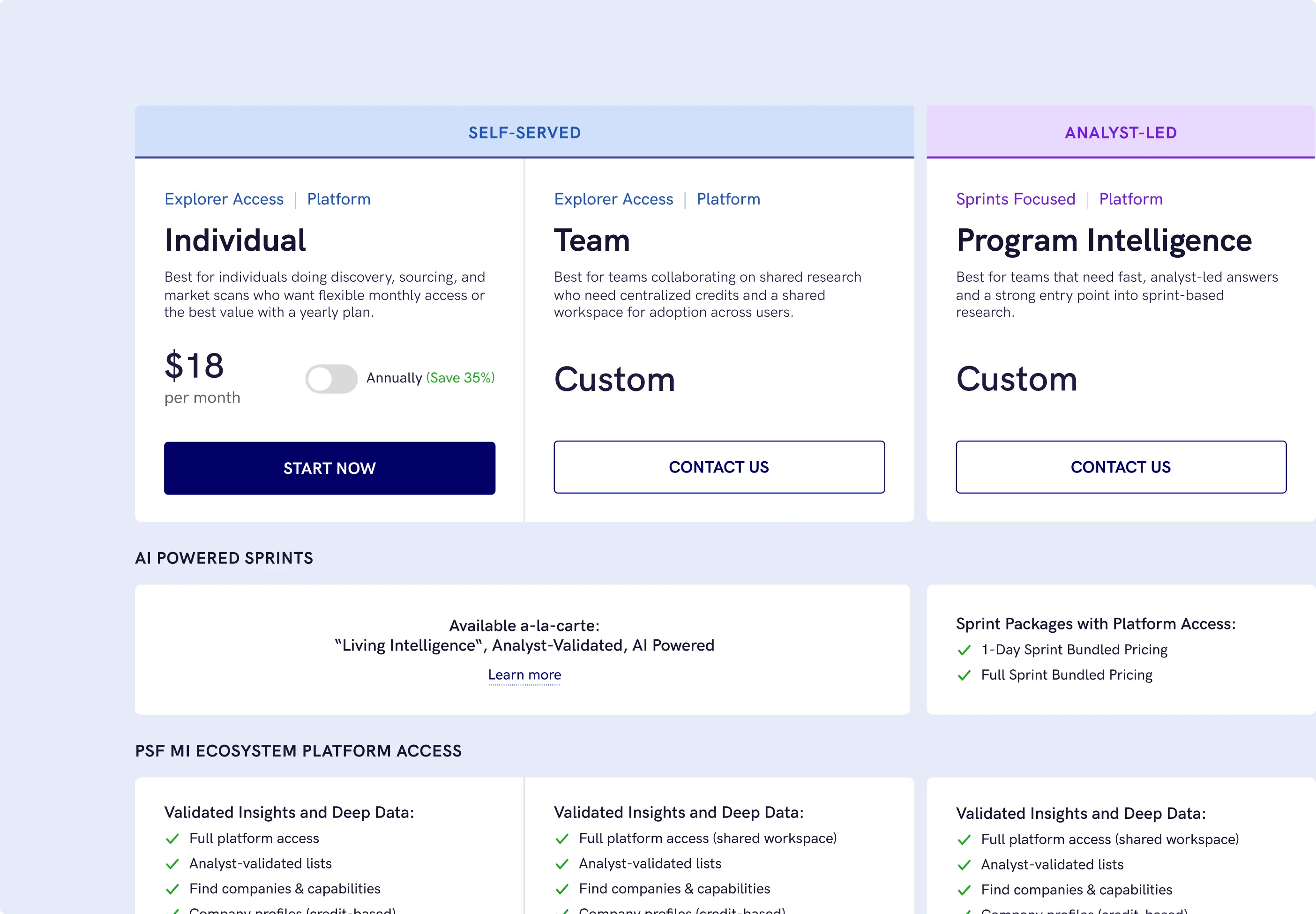
APP PSF is a full-scale AI platform design project where our team created the UI/UX for the entire product experience. This included the main dashboard, subscription flows, reports, search, data-heavy pages, and other key platform screens that required a clear structure, strong usability, and a consistent interface logic.
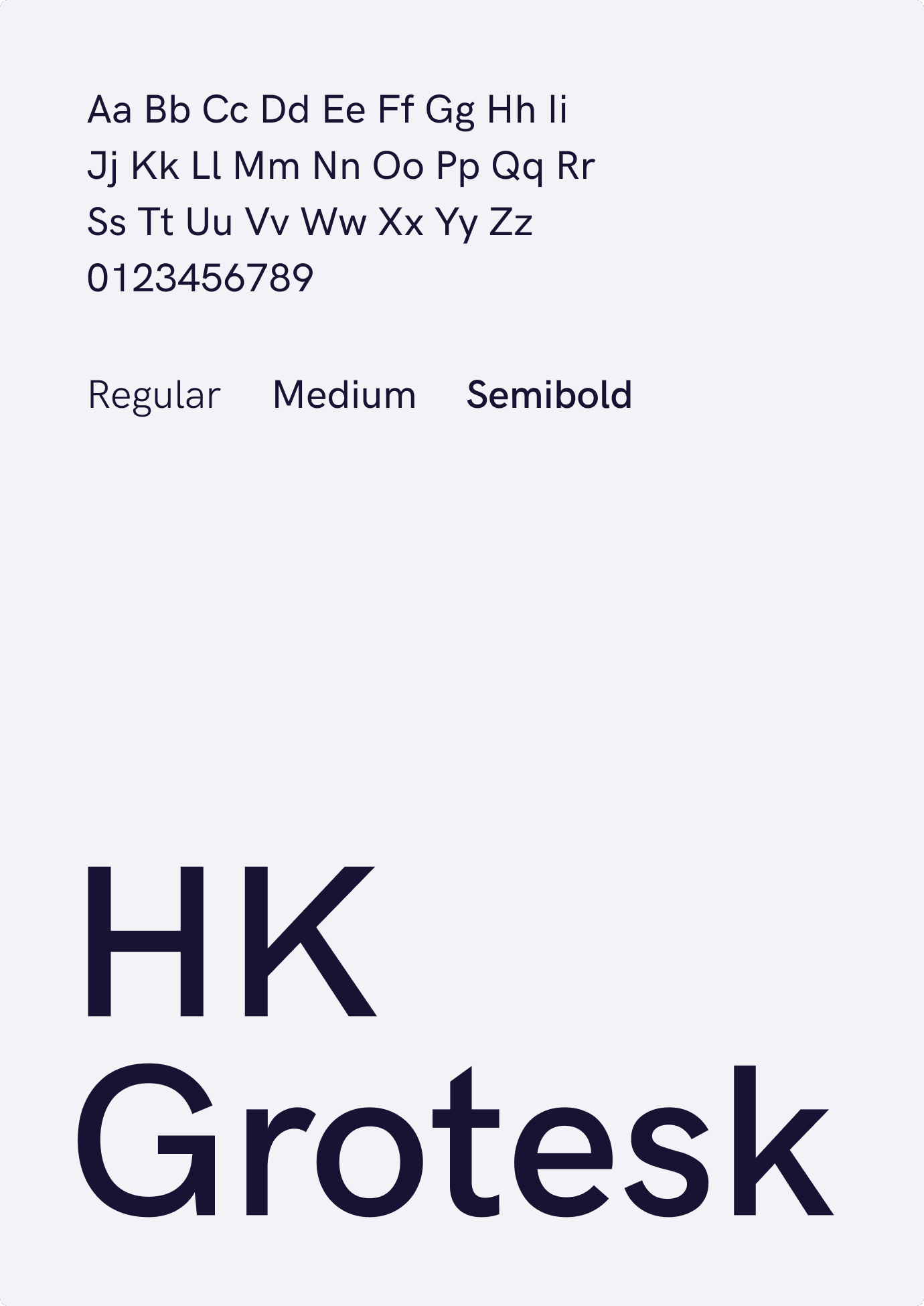
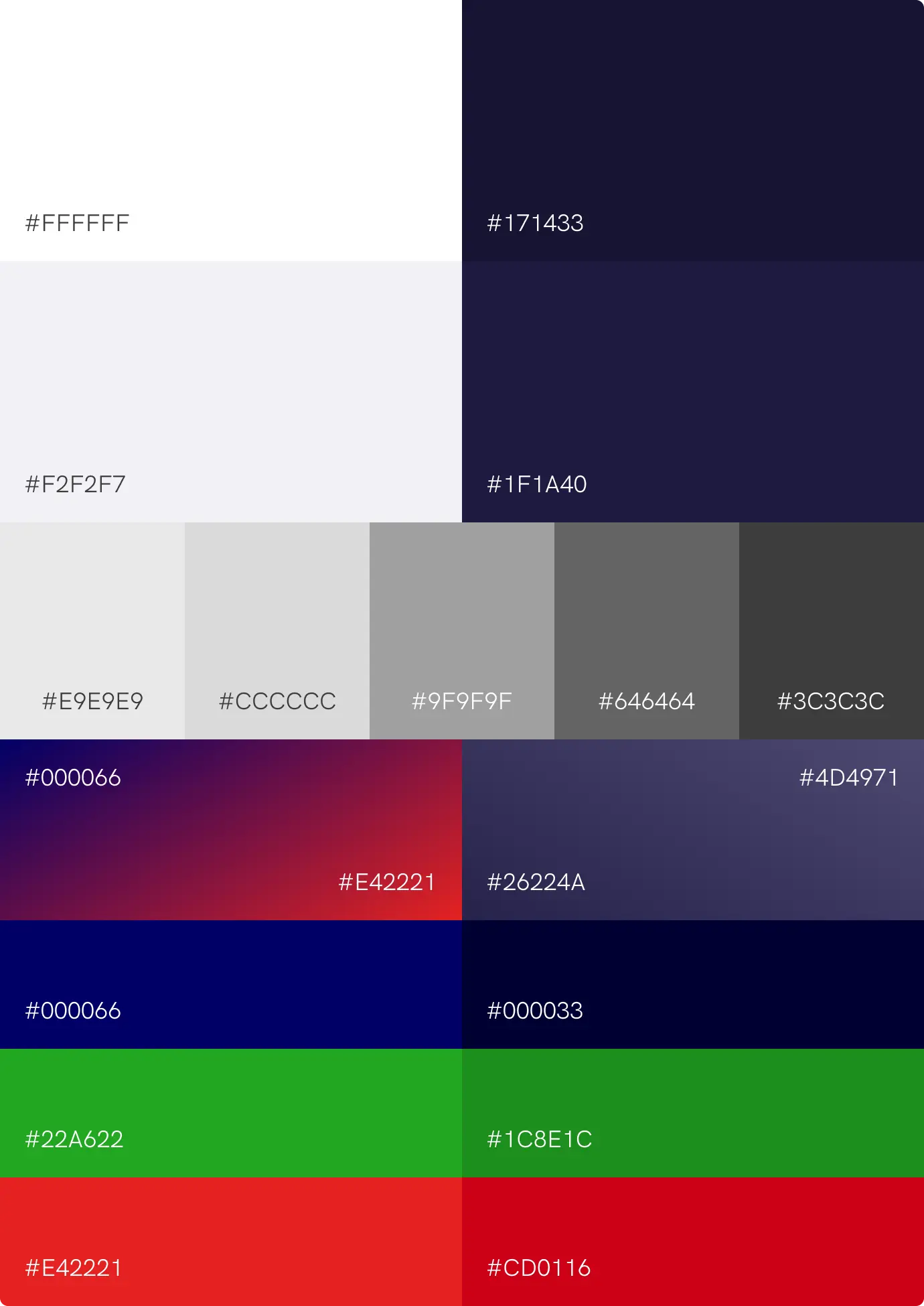
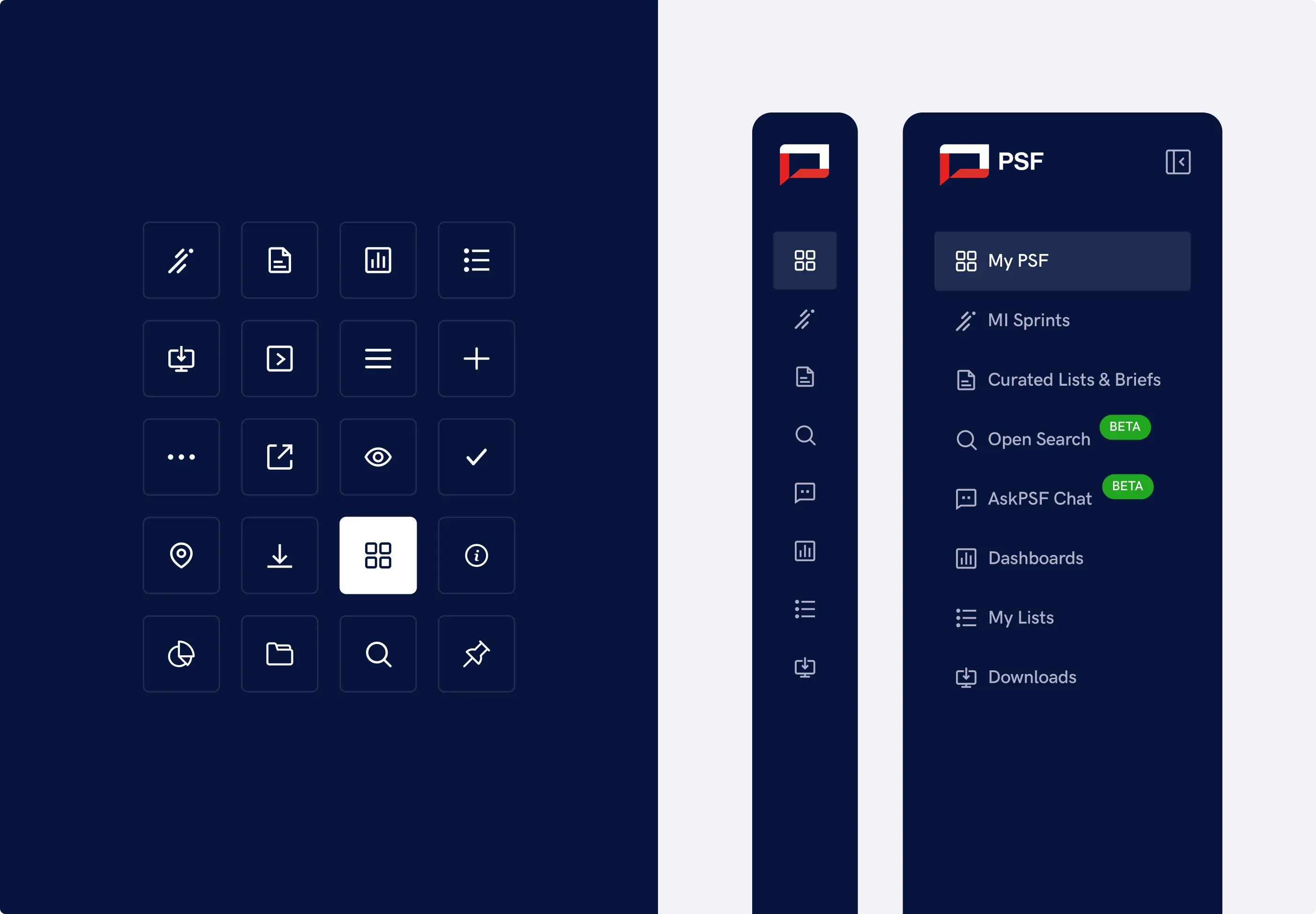
To support such a complex and evolving product, we developed style libraries, reusable components, and a scalable visual system that helps keep the platform consistent across every section. We also continue to support the development team with new layouts, UI updates, additional components, and design materials as the platform grows, changes, and introduces new functionality.

FAQs
a good strategy
Yes. APP PSF is a full-scale AI platform project where our team designed the complete UI/UX experience across multiple product areas. This included the main dashboard, subscriptions, reports, search, data-heavy pages, and other important interface flows, not only one main screen.
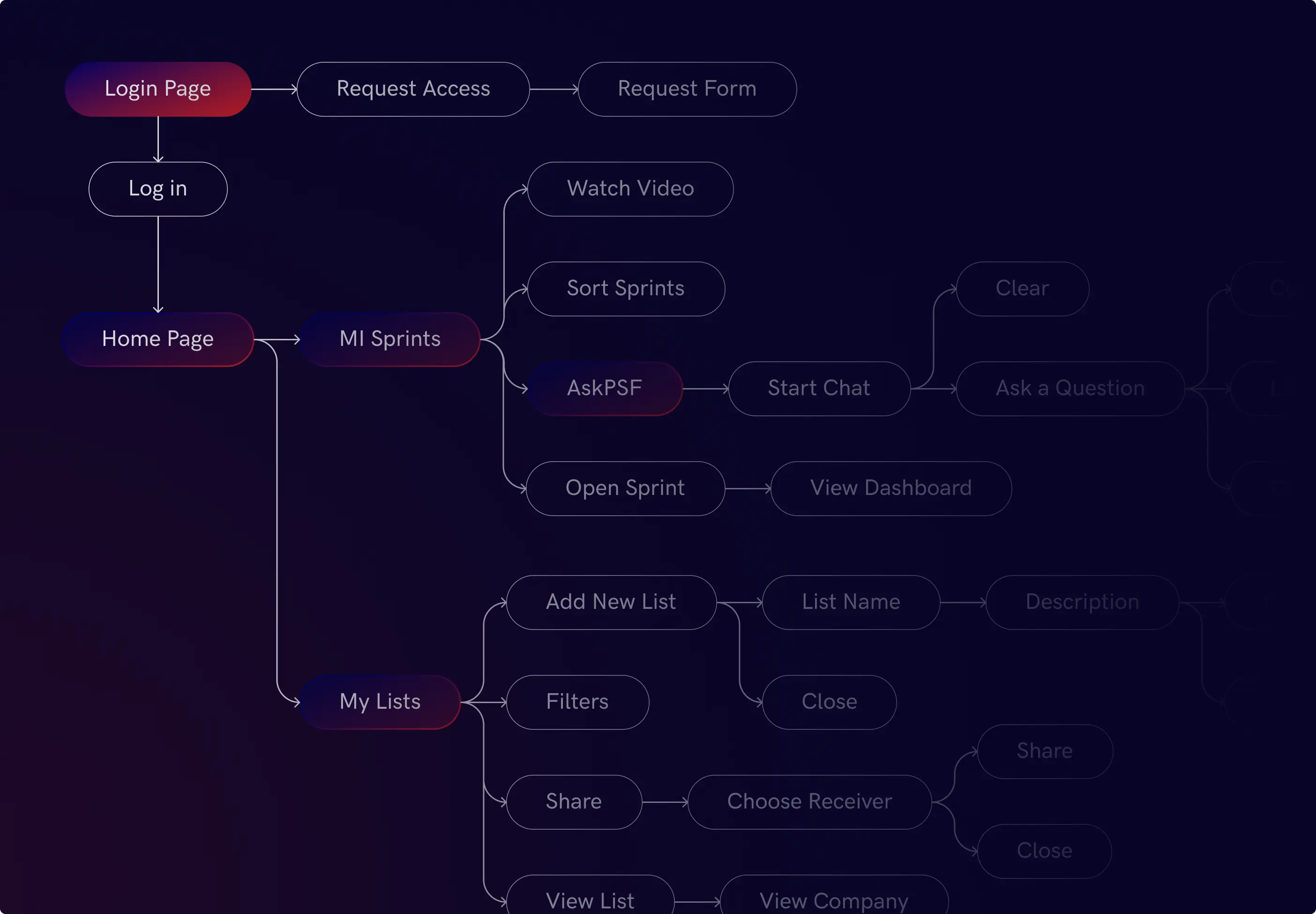
Absolutely. For product platforms, every flow needs to be designed with a clear purpose. We worked on different parts of the APP PSF experience, including subscriptions, search, reports, dashboards, and data views, making sure each feature feels connected to the overall product logic.
Yes. We prepare layouts and UI systems with development in mind and support the development team with additional design materials, updates, and components when needed. This is especially important for complex platforms, where the design system needs to stay clear and consistent as the product grows.
A scalable design system helps the product grow without becoming visually messy or difficult to use. When a platform adds new dashboards, reports, filters, or user flows, reusable components and clear design rules help keep everything consistent, easier to develop, and easier for users to understand.
Yes. Dashboards and reports need to present information clearly, without overwhelming users. We work on layout logic, visual hierarchy, data presentation, tables, cards, filters, and interface states so users can read, compare, and act on information more easily.